
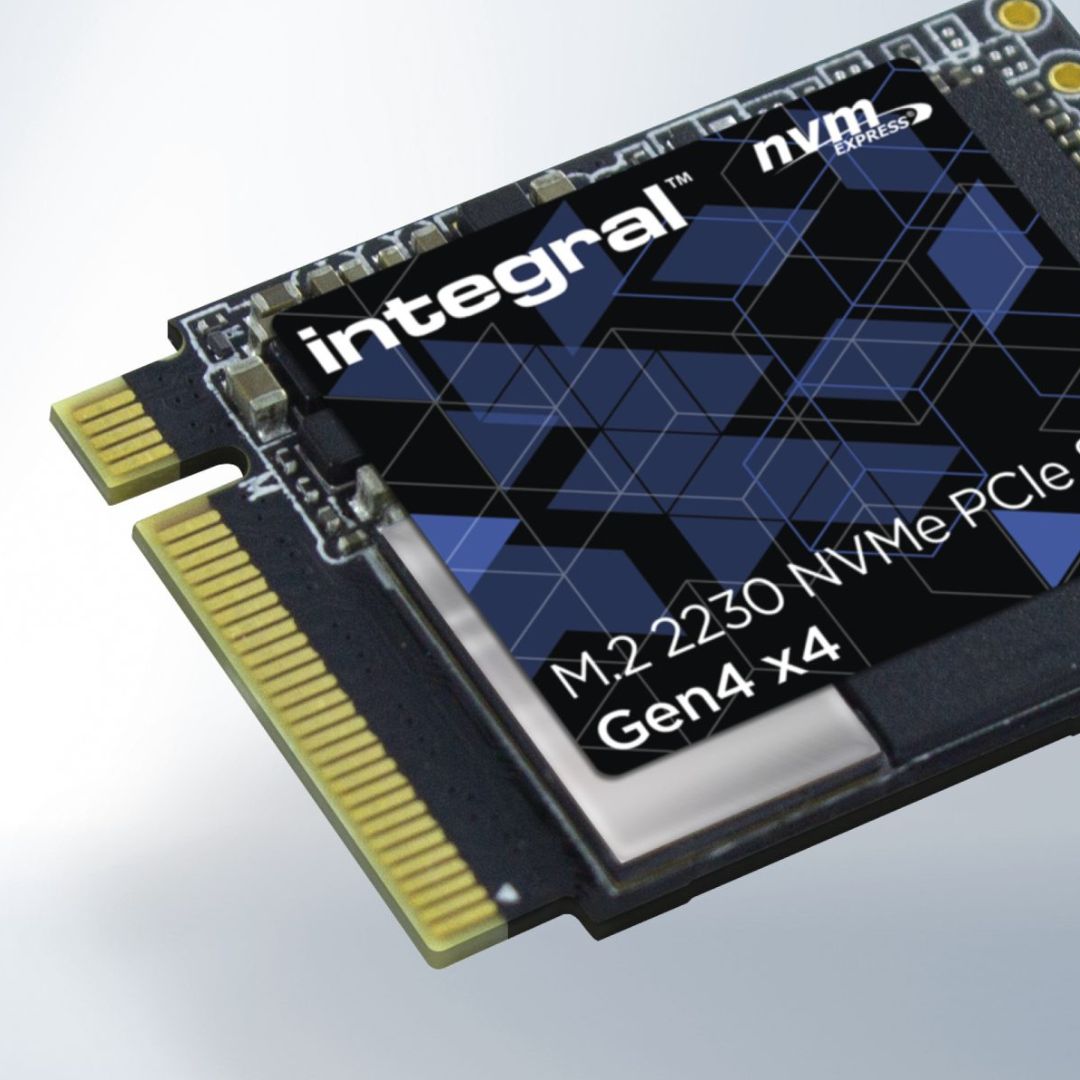
Before explaining what’s improved in PCIe Gen 4 SSDs, let’s first talk a little about PCIe Gen 4 itself. It’s also called PCIe 4.0. PCIe 4.0 was announced in 2017 and is the fourth-generation technology standard of PCIe (Peripheral Component Interconnect Express).
Even though there are now motherboards that support PCIe 5.0 interfaces, PCIe 4.0 is still widely used today in GPUs, SSDs, and motherboards as a standard.
How does PCIe 4.0 improve compared to PCIe 3.0?
- A PCIe 3.0 SSD typically has read speeds up to 3500 MB/s and write speeds up to 3300 MB/s.
- A PCIe 4.0 SSD, on the other hand, can reach read speeds up to 7000 MB/s and write speeds up to 5000 MB/s.
For data transfer:
- PCIe 3.0 has a maximum transfer rate of 8 GT/s (gigatransfers per second), giving bandwidth of about 1 GB/s per lane (x1) and 16 GB/s for 16 lanes (x16).
- PCIe 4.0 doubles this with 16 GT/s, providing 2 GB/s per lane (x1) and 32 GB/s for 16 lanes (x16).
So, PCIe 4.0 delivers twice the data transfer speed of PCIe 3.0.
Real-world Benefits of PCIe 4.0 SSDs
- Faster boot times
- Much quicker file transfers, especially for large files like 4K videos and data-heavy workloads
- Reduced latency, making systems more responsive
- Improved performance in multitasking
- Major benefits for gaming, video editing, and 3D rendering that require fast and frequent data access
Things to Consider Before Upgrading
If you want to upgrade to a PCIe Gen 4 SSD, you need to check whether your motherboard supports PCIe 4.0 (this can be found on the manufacturer’s site).
- PCIe 4.0 SSDs are backward compatible, meaning they will still work on PCIe 3.0 motherboards.
- However, to fully utilize their speed, you need a motherboard that supports PCIe 4.0. Otherwise, you’ll face a bottleneck.
#credit to original uploader


